 CabinetOS
LinkUp
Play a game with a friend on another CabinetOS console, from their house. You host the game on your console, and it streams to theirs. They play as player two and only you need the game.
It works like going to a friend’s house. You knock, maybe they can’t play today, and you go home. Two friends have usually arranged it already, by phone or text, so the console chases nobody: no alerts when a friend comes online, no reminders, and no invites kept for later. There is no voice chat. Use your phone.
LinkUp is off until you turn it on. Off means its program is not running, nothing listens and nothing is contacted.
What you need
- A CabinetOS console each, on a RomM server. It can be your own or one someone shares with you, and it does not have to be the same one. A friend with no console can join from a computer instead, with 2P Start.
- One LinkUp server between you, which either of you can run. It is a small free program, and the project runs no service. Settings, Streaming, Server, Run your own shows a QR code to how to set one up.
Join a server
Whoever runs the server makes a code on its admin page and picks whose friend it is for, then sends you its address and the code.
- Settings, Streaming, LinkUp on (with a PIN set, everyone but the owner is asked for it).
- Press Server, then Add a server. Type the address, then the code.
- LinkUp joins the top bar. Whoever was signed in when you typed the code becomes the friend.
A code stops after 7 days if nobody uses it. Once you use it, it is your own: it works only for you, on every console you sign in on, until the server’s owner changes it. On a second console, or after a reinstall, join with the same code while signed in as you, and you are there with the same friends. An invite rings the console you used last.
Once one person on your console has joined, everyone on it can use LinkUp, and each person has their own friends: a child sees only their own, and only the server’s owner can add one.
A friend with no console
A friend with no CabinetOS console can still play as player two, from a computer, with 2P Start. It only joins a game a console hosts, and never hosts one, so they need no games and no RomM server.
They pair once, as a console does: the server’s address, a code, and the name you will see them by. An invite reaches them as a notification, even with the window closed, and they play with their own controller, or a keyboard and mouse. It runs on a Mac with Apple silicon or a PC with Windows 10 or 11. It is not signed, so the computer warns the first time it opens: its README says how to get past that.
Play
-
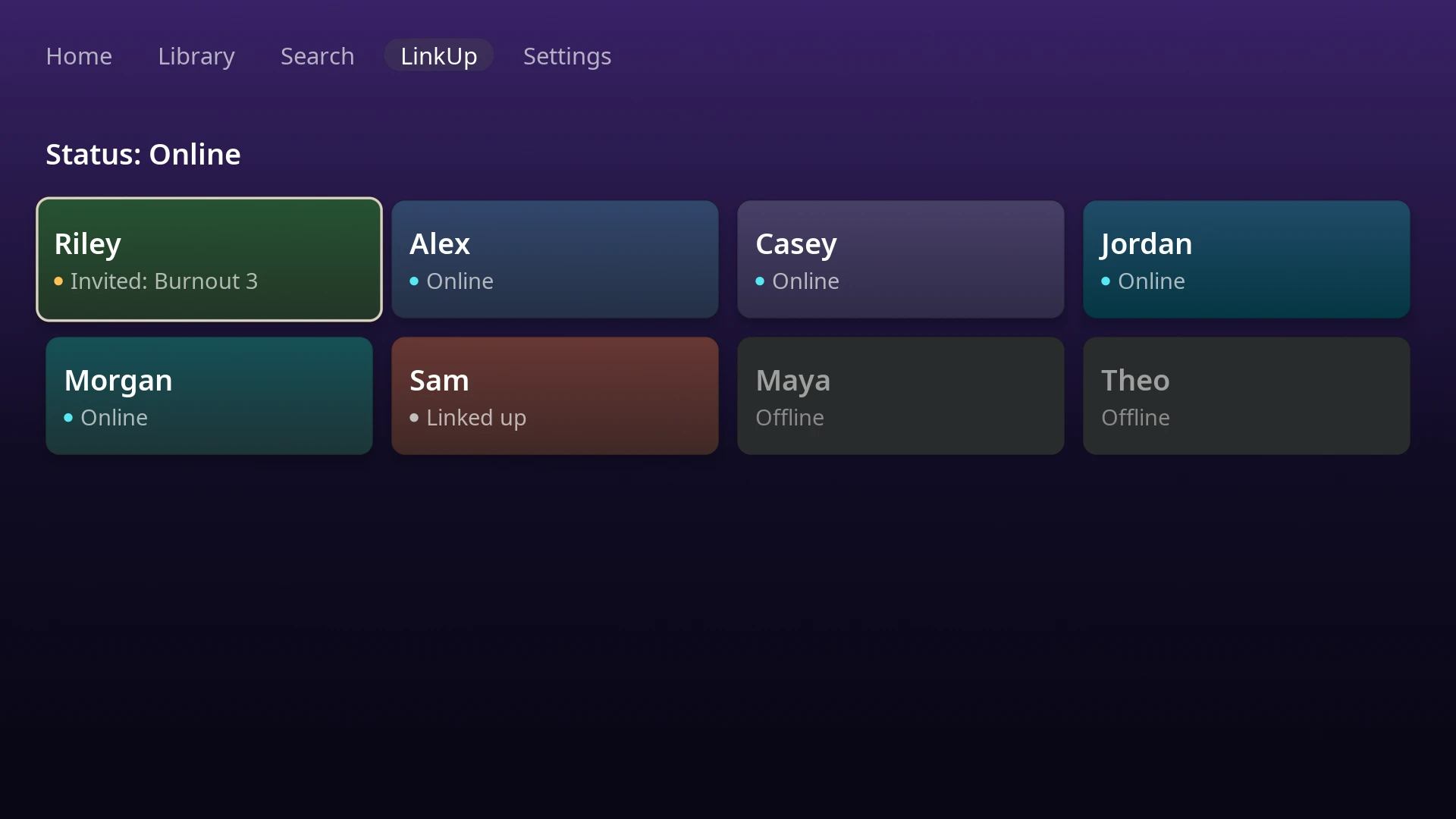
Open LinkUp in the top bar. Press an Online friend, then a game. Games a friend cannot play are not on the list: Wii games that need a Remote, light-gun games, handhelds and Steam.
-
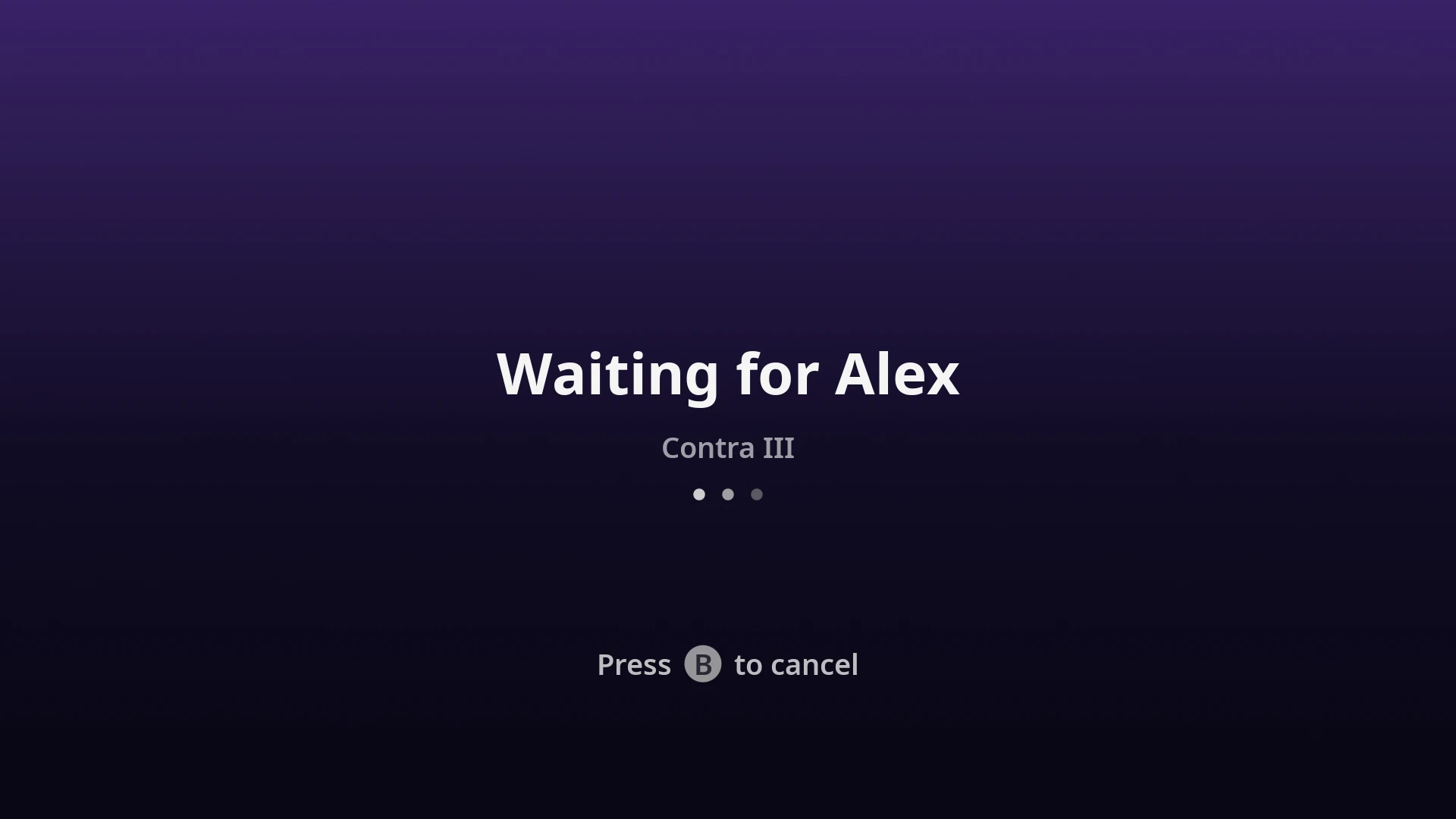
Your console waits on Waiting for Alex for up to 30 minutes. B cancels. If the game still has to download, it starts now.
- Your friend sees a pill, Invite from Alex, and their list says Invited: Contra III. They press it, then Join or Decline.
- The game starts on both when they join, so you both begin at its title screen. You are player one, they are player two, and any other controller on your console does nothing in the game until the session ends.
Status at the top of the list is whether your friends see you as Online. It stays where you leave it, on every console you sign in on: choose Offline on one, and the others turn Offline too. A console nobody is using stops showing you after 15 minutes with no press, when its screen is off, while it sleeps and in Steam, and friends see you Online while any of your consoles does.
While you play
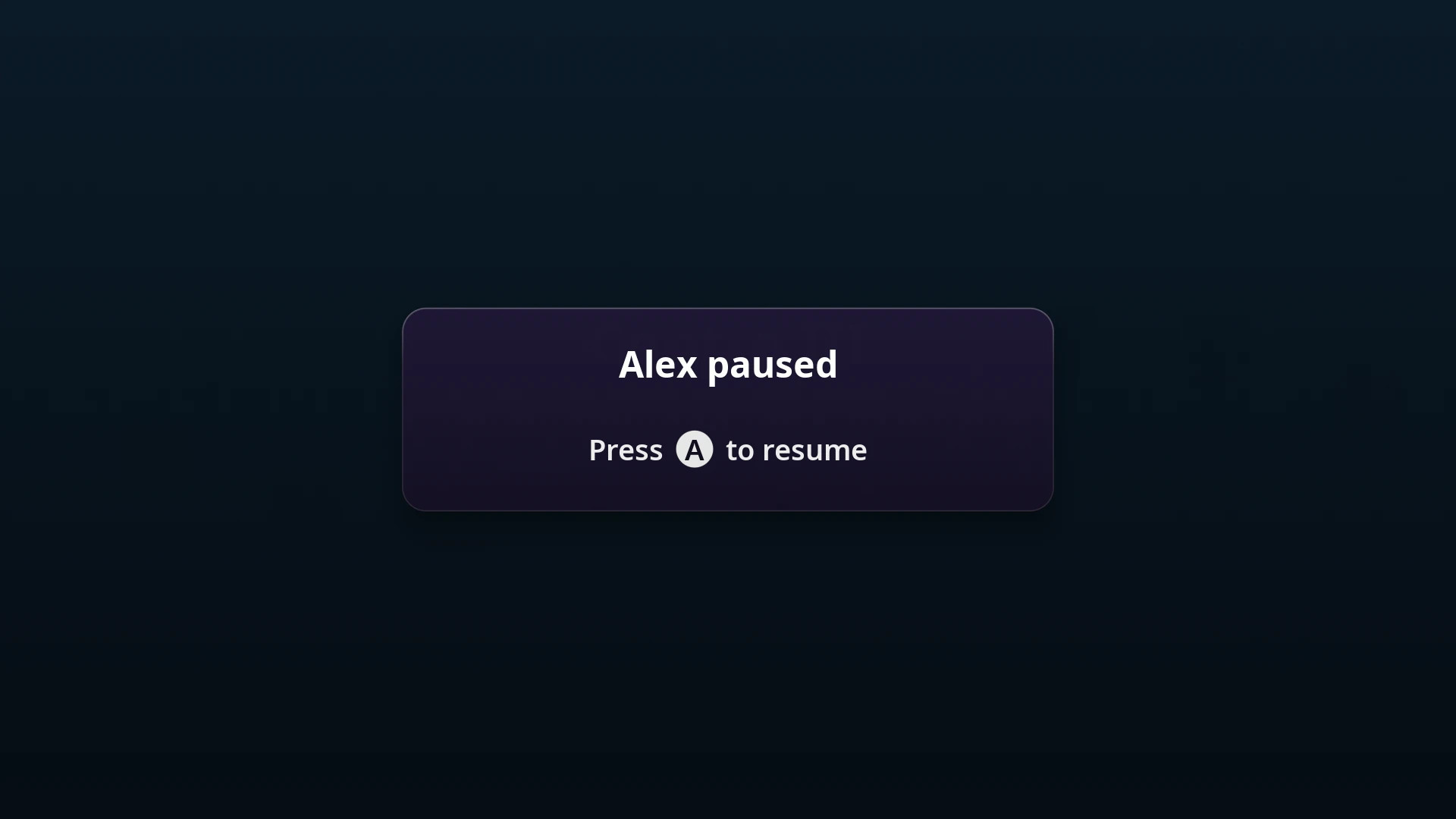
- Pausing stops the game for both of you. Your friend pauses as in any game (both sticks pressed): Paused, with Resume and Leave, and you see Alex paused. A on either console resumes both.
- Your friend sees only the game. When you open a menu, or anything else is on your screen, no picture or sound is sent, and they see Waiting for Alex.
- Your friend’s controller tilts too, in Switch and PlayStation 3 games made for it, as on their own console. In Wii U and PS Vita games only player one’s controller tilts, and that is yours (Motion).
- Saves, states and achievements are yours. Nothing from the game is kept on your friend’s console.
- If the connection drops, the game pauses on both with Reconnecting to Alex. After a minute, Alex left, and your game carries on as a normal game.
- If you leave the game, the session stays open: you land on the game list with Playing with Alex, and the next game you pick starts on both with no new invite. B there ends the session.
- After 10 minutes with no press from either of you, the game pauses on both. After 15 more, the session ends, and your game stays paused on your TV.
What your friend can see
Everything is encrypted, and the server never learns what you play. But a game that connects directly shows each console the other’s internet address, as any direct connection does. LinkUp is only for people a server’s owner chose, and that is one more reason.
If it won’t connect
Removed from the LinkUp server means the server’s owner changed your code or removed you. Ask them for the new code, or a new invite, then press A on that line, or Settings, Streaming, Server, Enter a code, and type it. Do it on each of your consoles.
Can’t connect to the LinkUp server means the server cannot be reached. A game already running carries on. Can’t connect to Alex means the two consoles found no way through: the server’s owner can turn on its relay, which sends the game through the server and uses the owner’s upload. Nothing is built or promised for WireGuard or Tailscale, though a network you already share is treated as any other.
Run your own server
The setup guide is in the server’s repository, cabinet-linkup. On the console, Settings, Streaming, Server, Run your own shows a QR code to it.
Something wrong or missing here? See this page on GitHub or open an issue.