 CabinetOS
Steam
CabinetOS can hand the TV over to Steam’s Big Picture for your PC games, and take it back when Steam closes.
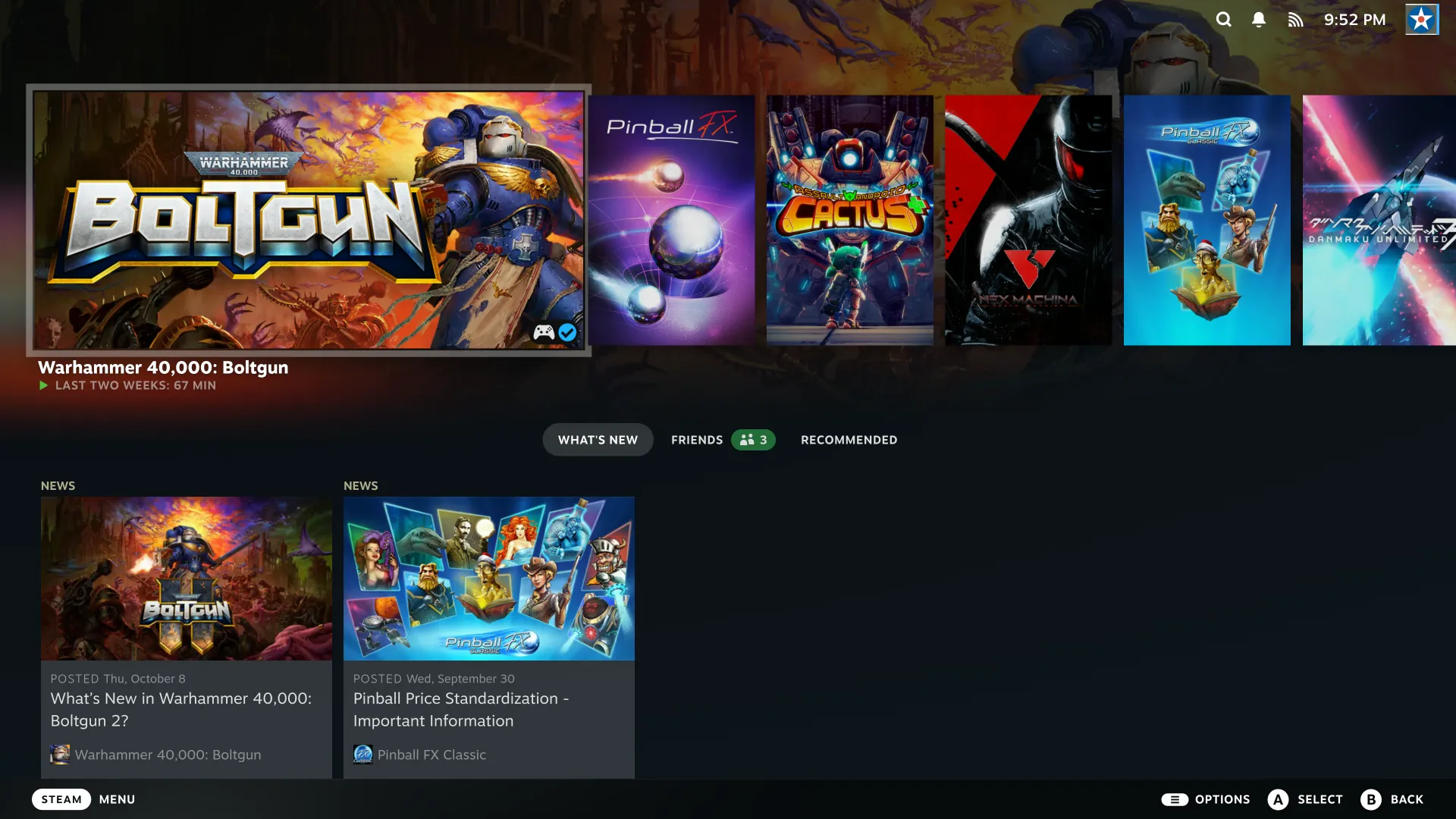
Set it up
- Press Start on Home (or the power button) for the Power menu, then Switch to Steam.
- The first time, choose Install. Steam needs at least 100 GB: it gets its own space on the console’s drive (a quarter of the drive to start with, between 100 and 500 GB). Installing Steam shows the progress; B cancels.
- Sign in to Steam. Steam, its games and its settings are Steam’s own, and it updates itself while it is open.
After that, Switch to Steam asks Start Steam? and goes straight in.
Coming back
Close Steam from its own Power menu and the console comes back on Home. While the console runs, nothing of Steam runs.
Space and hiding
- Settings, Storage, Steam shows its space, with Adjust storage and Remove Steam (behind the PIN).
- Choose Hide Steam the first time to take it off the Power menu. Settings, System, Steam (Hidden) brings it back.
- With a PIN set, people other than the owner need it to use Steam.
Your Steam games are played in Steam, not from the console’s Library.
Something wrong or missing here? See this page on GitHub or open an issue.