 CabinetOS
Updates
CabinetOS updates as one piece: the system, the console and its emulators arrive together as a single image, so they always match. (Eden and xemu come from Flathub, at the versions the image names.) A small change downloads small.
Update the console
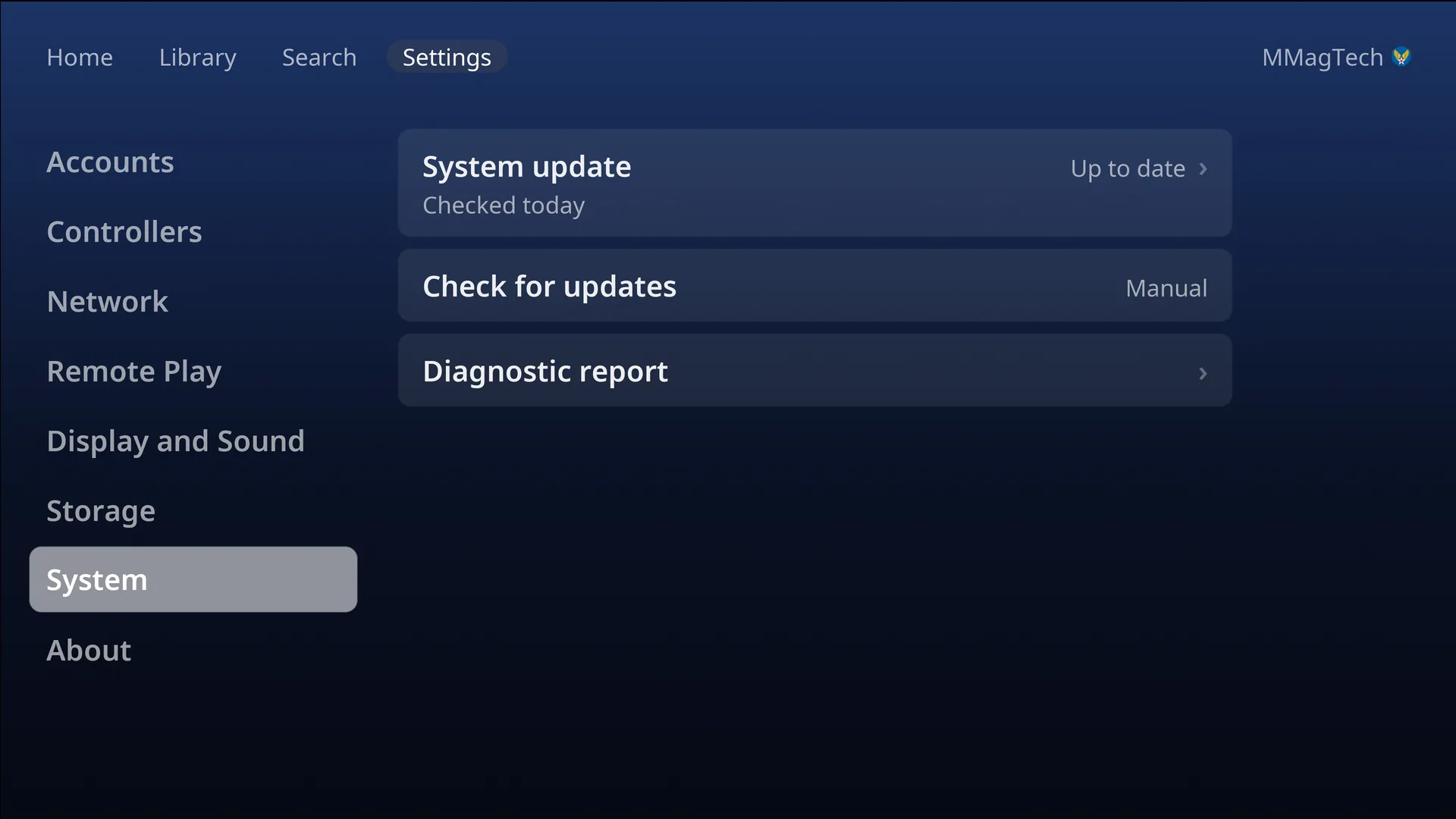
Settings, System, System update.
- The row checks and says Up to date or Update available, with the new version and its size.
- Download (the PIN, if one is set). The row shows the progress, then Installing…. You can keep playing meanwhile.
- Update ready: Restart now, or Later to have it apply at the next restart or power off.
After the restart a notice says Updated to …. If it says Update didn’t apply, the console is still on the version it had, and works as before.
Check for updates: Manual (the start) or Weekly. Weekly only checks, on Home with no game running; downloading is always your choice.
The version is in Settings, About: the console’s version, and the Bazzite version it is built on.
The installer
An installed console never needs the installer again: it updates itself from GitHub’s container registry. A new USB stick is only needed to install another console.
Something wrong or missing here? See this page on GitHub or open an issue.