 CabinetOS
Wi-Fi and network
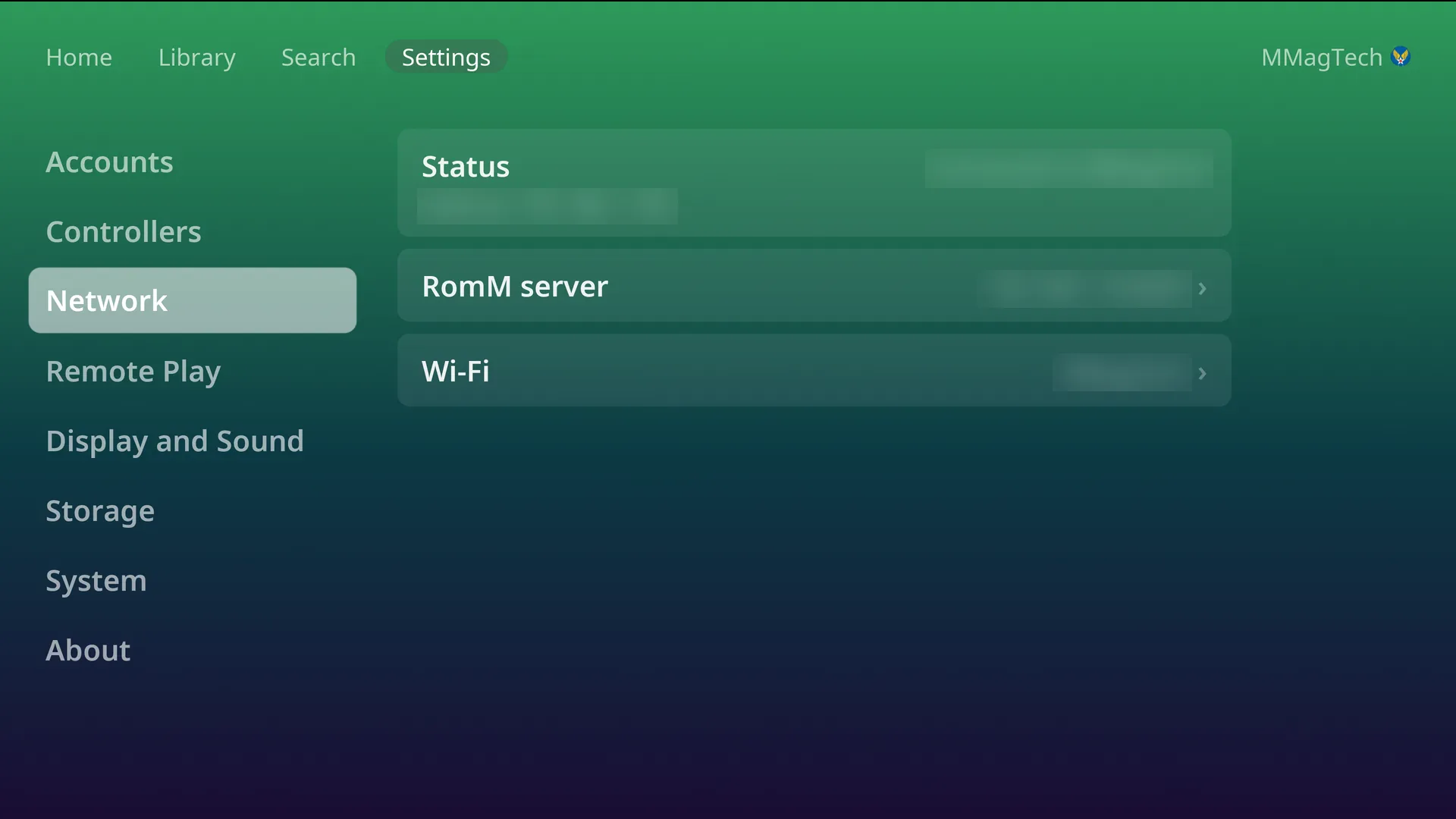
Settings, Network shows how the console is connected, its address, and your RomM server.
- Ethernet always wins. With a cable plugged in, the console uses it, and Wi-Fi stays set up as a fallback.
- Wi-Fi appears when the PC has a Wi-Fi radio.
Join or change a Wi-Fi network
Settings, Network, Wi-Fi (behind the PIN if one is set). If Wi-Fi is off, pressing the row turns it on. The list shows the networks in range:
| Network | Pressing it offers |
|---|---|
| The one you are on | Change password, Forget |
| One you have joined before | Join, Change password, Forget |
| Any other | Joins it, asking for the password first if it has one |
Passwords are typed on the on-screen keyboard or a USB keyboard.
Not supported
- Hidden networks. Make the network visible to join it.
- 802.1X networks (a user name and a password, common in offices and schools). They are left out of the list.
The RomM server row
See Your RomM server.
Something wrong or missing here? See this page on GitHub or open an issue.