 CabinetOS
CabinetOS wiki
How to set up CabinetOS and use every part of it. Start at the top and you go from a blank PC to playing.
Set it up
- Install: what you need, the installer, the one question it asks.
- First run: network, your RomM server, pairing, a controller.
- Your RomM server: what the console reads from it, and how to lay it out.
- Controllers and Bluetooth: pads, Wii Remotes, players.
- Wi-Fi and network
- Drives and storage: extra drives, downloads, space.
Play
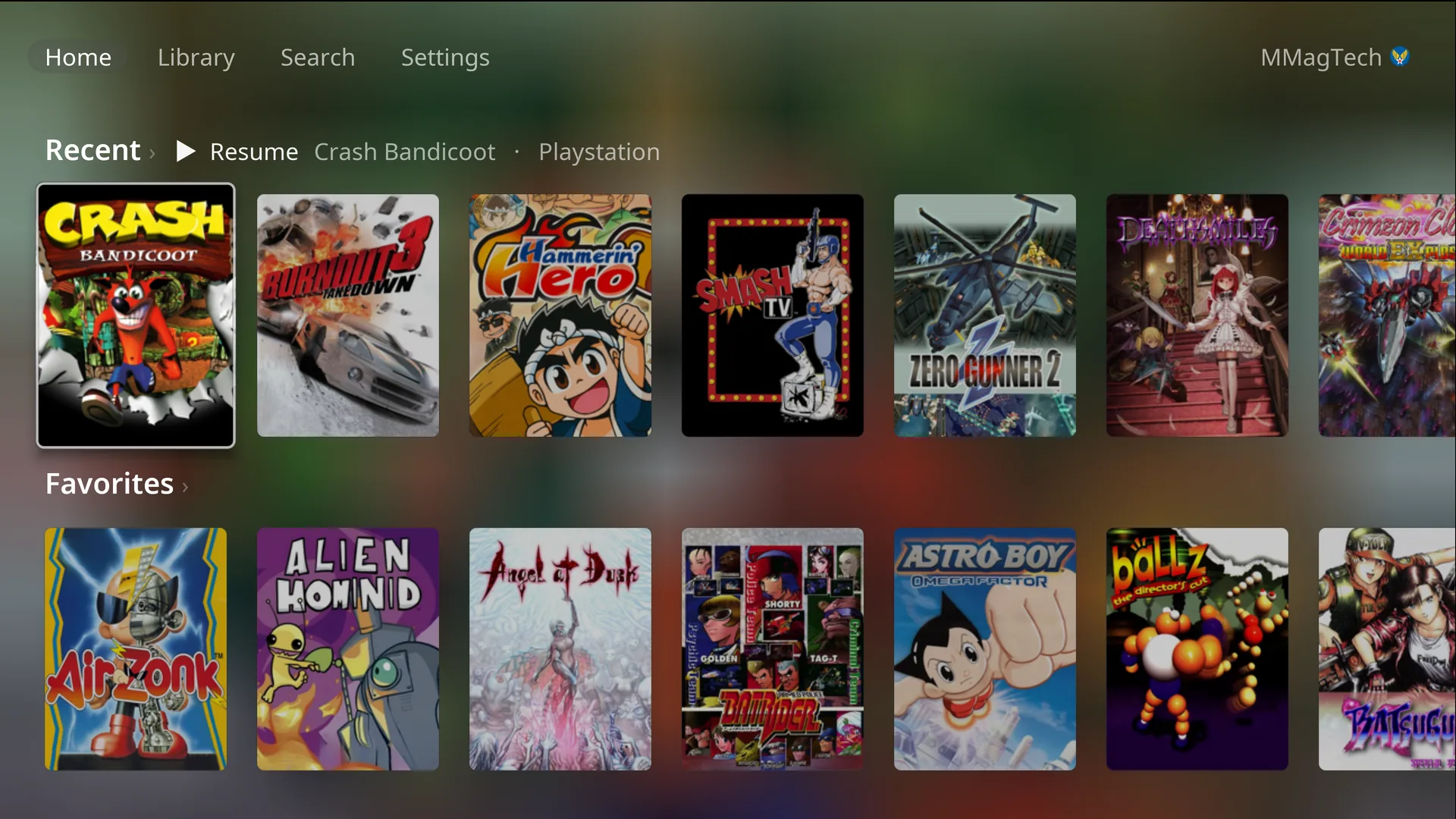
- The library: Home, the Library, Search and a game’s page.
- The pause menu
- Saves, states and sync
- Players and accounts: everyone their own, and the PIN.
- Screenshots
- Achievements
Settings
- Picture and colours: picture levels, screen looks, colours, dark hours.
- Remote Play: play from a phone, tablet or computer.
- Steam
- Updates
- File access: copy files to and from the console.
Reference
- Buttons and shortcuts: every screen, and the in-game shortcuts.
- Systems, formats and BIOS: what plays, which files, which BIOS.
- When something is wrong: messages, and making a diagnostic report.
In one paragraph
CabinetOS is a console operating system for a small PC under the TV. It starts straight into its own menus, plays 33 systems with emulators chosen and set up for each, and takes every game, cover, BIOS and save from your own RomM server. A controller does everything after the first run. It is built on Bazzite and updates itself as a single image. The only machine it has been tested on is the GEEKOM A9 Max.
Something wrong or missing here? See this page on GitHub or open an issue.